
Does my phone support eSIM? A 30-second check before you buy
eSIM Tripwise · 10/30/2026
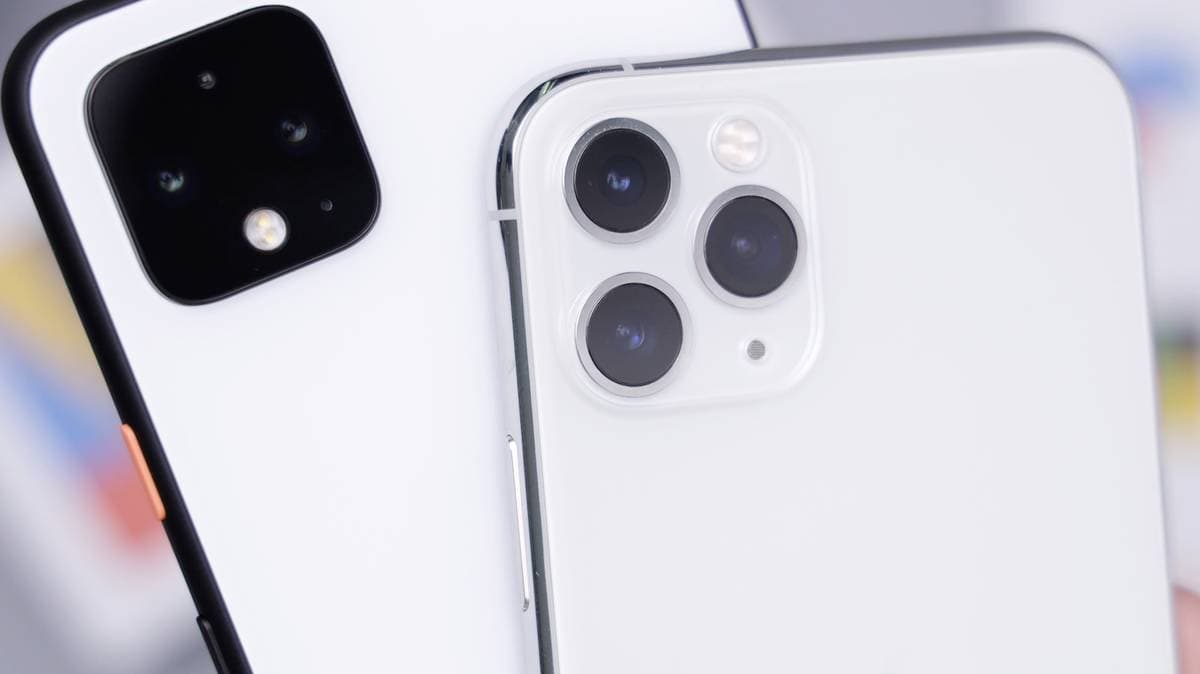
Most mid-range and flagship phones sold since 2019 support eSIM. A few don't - and a few more support it on paper but still won't connect to a travel plan. Here's how to know for sure.
The quickest check: dial *#06#
Open your phone app and dial *#06#. If you see an EID (a 32-digit number) alongside your IMEI, your phone has an eSIM chip. No EID usually means no eSIM.
Check in Settings
- iPhone: Settings → Cellular (or Mobile Data). An Add eSIM or Add Cellular Plan option means you're good.
- Samsung: Settings → Connections → SIM manager → Add eSIM.
- Pixel and most other Android phones: Settings → Network & internet → SIMs → Download a SIM instead, or the + next to SIMs.
Popular models that support eSIM
- iPhone: XS, XS Max, XR and every model since, including SE (2nd and 3rd gen).
- Samsung: Galaxy S20 and newer, every Galaxy Z Fold and Z Flip, and some recent Galaxy A models - check A-series phones with *#06#, as regional versions differ.
- Google Pixel: Pixel 3 and newer (some regional variants excepted).
- Others: many recent Xiaomi, OPPO, Vivo, Motorola and Huawei flagships, depending on the regional version.
Three ways a phone "has eSIM" but still won't work
- iPhones sold in mainland China, Hong Kong or Macau are mostly dual physical-SIM models with no eSIM.
- Carrier-locked phones will install a travel eSIM but never connect. On iPhone, check Settings → General → About → Carrier Lock says "No SIM restrictions".
- Outdated software. Update to the latest OS before you travel.
All set? Next steps
- Pick a plan for your destination from our country list.
- Pay and get your QR code by email within seconds.
- Install while you're still on Wi-Fi at home, switch it on when you land.
Not sure about your model? Email support@tripwise.vn with your phone model and we'll check before you buy.
#esim#guide#compatibility#iphone#android
Ready for your trip? Grab a travel eSIM for 200+ destinations.
🌍 Browse eSIM destinations